Spacefast has launched! Read our founder’s blog post

Spacefast for events

Run it on Spacefast.

Your AI can make an event site, a schedule, or a speaker page in minutes. Spacefast puts it in front of every attendee with one link.

See some ideas

What makes Spacefast event-ready?

One link from announcement to wrap-up

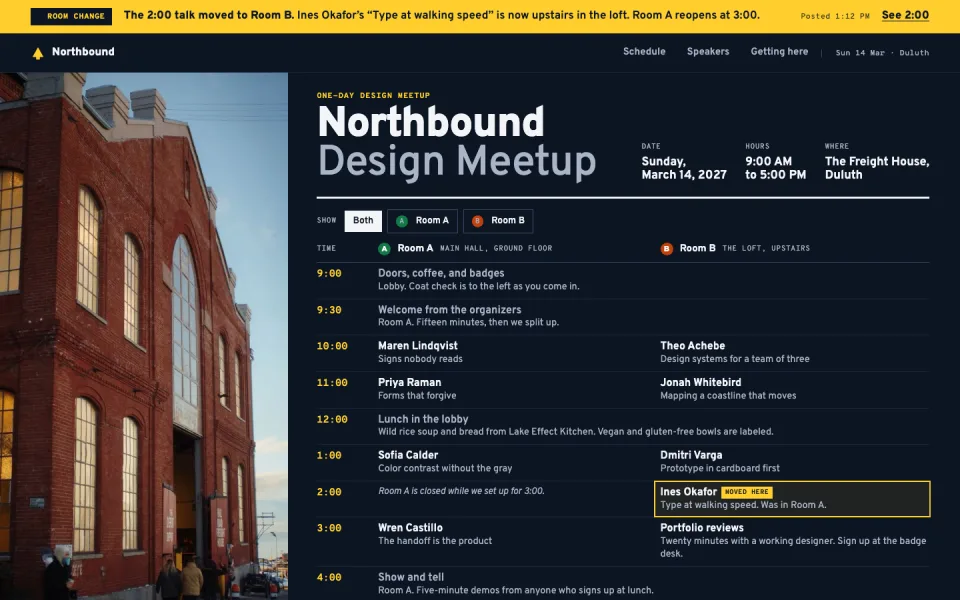
Add the speakers in January, the room map in March, and the slides after. Every republish updates the same link, so the invite and the badges never go stale.

Three browser windows stacked at the same address, event-websites-site.space.fast: the announcement and the speaker versions behind, and the current one in front under a banner saying the room map is up and the link on the badges still works.
Run sheets stay private

New spaces start private. Share the volunteer run sheet with a link that expires the day after, while the schedule stays open to everyone.

The volunteer run sheet blurred behind a lock, with a box saying it’s for volunteers only while the schedule stays public; then the lock clears, the sheet comes into focus, and the box says a volunteer opened the link, which expires the day after.

Last week’s schedule, back in one click

Try a new room plan or a different running order without worrying. Each change saves a version, and you can go back to any version still in your history.

The event site’s versions in a row like a dock, the live one first and more running off the edge, each of the first three growing in turn, with a Restore button on last week’s schedule while it is the big one.

Notes from your co-organizers

Invite co-organizers to comment right where it applies. Handle the notes yourself, or hand them to your AI.

The event site with two comments pinned to it, Sam’s on the schedule asking to move lunch up for the caterer and Ruth’s on the directions asking to add where to park bikes, while their cursors move over the page.

What’s on your calendar this season?

Open one, press Remix, and swap in your own event, rooms, and speakers.

A site for a meetup or a small conference: the schedule by room, directions and parking, and a card for each speaker with their talk.

Two days and two rooms for a small web conference. Star the talks you want, see what’s on now, and open any talk for the details and the speaker’s bio.

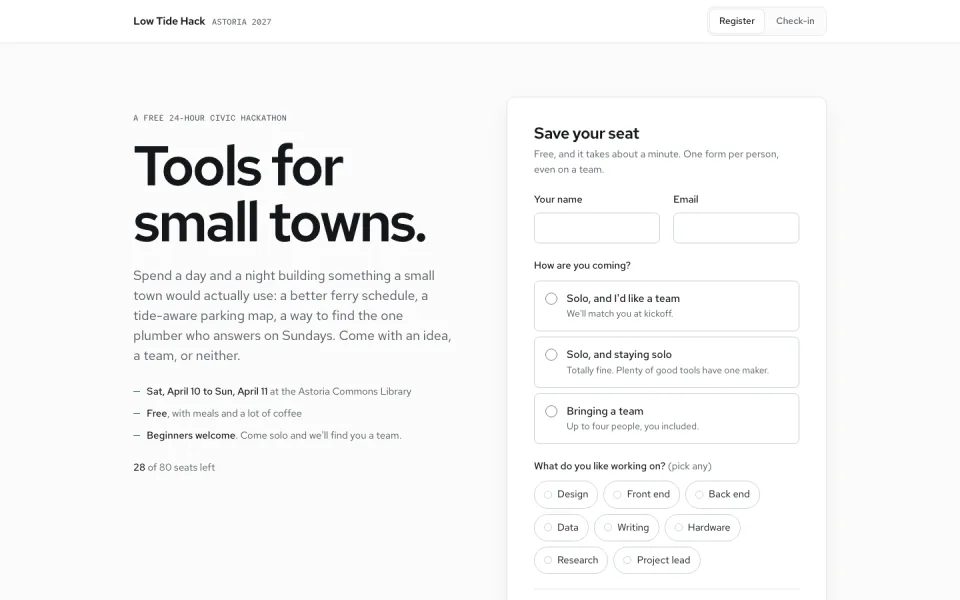
A hackathon page where attendees save a seat from the top and get a ticket with a seat number. At the door, you search the list and check people in. Remix it and both save to your space’s database.

Everything an event asks for

Every space comes with the pieces an event eventually needs.

Registrations, built in

Every space has a database, so a registration form saves right to it and your check-in list is ready at the door.

Traffic stats

See how many people opened the schedule on the morning of the event.

Your own address

Put the event on its own domain. It’s included on every plan.

Questions event organizers ask

Do attendees need an account?

No. Make the page public or send a share link, and anyone who has it can open it in a browser, with nothing to install or sign up for.

Can I update the schedule on the day?

Yes. Ask your AI to make the change from your phone and republish. The link stays the same, so attendees see the update when they refresh.

Can people register on the page?

Yes. A registration form can save to the space’s built-in database, and the list of who registered stays with you and your organizers.

Do I need an account to try it?

No. Publish without one and you get a live link plus a private claim link. Sign up to keep it. If you don’t claim it, we eventually take it down.

Make it with Spacefast.

Set it up yourself

Works with any AI